
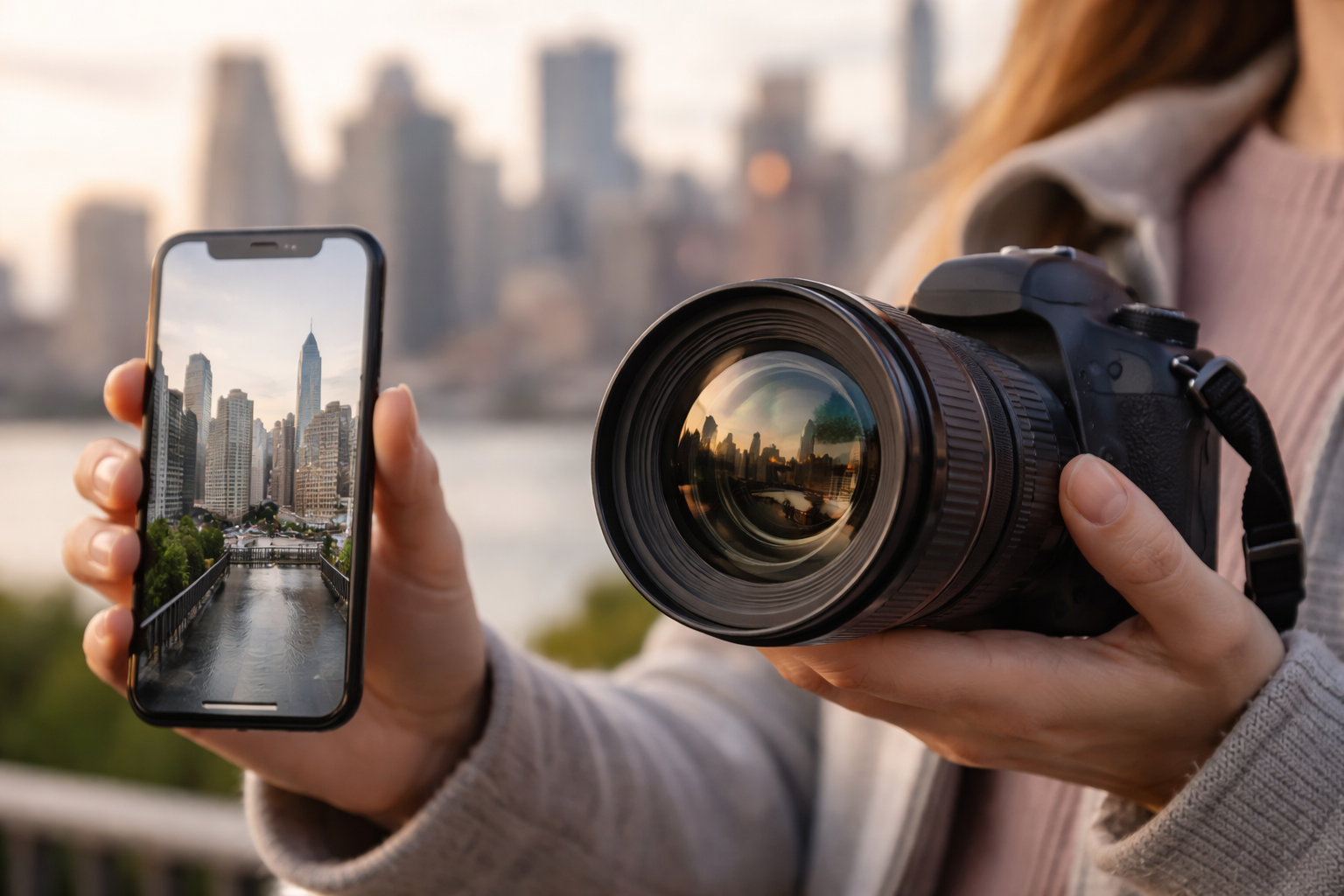
Most of us notice lens distortion for the first time by accident. You take a photo of a building, and the walls seem to lean. You snap a selfie, and your nose suddenly looks bigger than you remember. At first, it feels like a camera problem. Then you start wondering if it’s you, the lens, or something else entirely.
After working with both phone cameras and professional gear, one thing becomes clear. Understanding lens distortion is less about blaming the camera and more about knowing how lenses, distance, and design quietly shape what we see. Once you understand that relationship, distortion stops being confusing and starts becoming predictable.
What Lens Distortion Really Means
Understanding lens distortion begins with separating two ideas that often get mixed together: optical distortion and perspective distortion. They look similar in photos, but they come from very different causes.
Optical distortion happens inside the lens itself. It occurs when a lens cannot project straight lines as straight lines onto the camera sensor. Perspective distortion, on the other hand, has nothing to do with the lens design. It comes entirely from how close or far the camera is from the subject.
This distinction matters because each type requires a different fix. Trying to correct perspective distortion with lens software rarely works well, and blaming your phone lens for perspective issues leads to unnecessary frustration.
Types Of Optical Distortion You’ll Actually See

Optical distortion shows up most clearly when you photograph straight edges, like door frames, buildings, or tabletops. There are three common patterns photographers encounter.
Barrel distortion causes lines to bow outward from the center of the frame. This is extremely common in wide-angle lenses and almost universal in phone cameras before software correction kicks in.
Pincushion distortion bends lines inward toward the center. You’ll often see this in telephoto lenses, especially when zoomed in.
Mustache distortion is more complex. Lines may curve outward near the center and inward toward the edges, or vice versa. It shows up most often in wide-angle zoom lenses and can be tricky to correct manually.
Understanding lens distortion at this level helps you recognize whether what you’re seeing is a lens behavior or a shooting-distance issue.
Phone Cameras Vs Professional Lenses

The gap between phone cameras and professional lenses comes down to physical limits and design priorities.
Phone cameras are built into bodies that are often under eight millimeters thick. To capture a wide field of view in that space, they rely on extremely short physical focal lengths. That design naturally introduces strong barrel distortion. You rarely see it because modern phones apply heavy computational correction automatically, often before the image is even saved.
Professional lenses approach the problem differently. High-end lenses use many glass elements, including aspherical and specialized glass, to correct distortion optically. Some lenses are intentionally designed to be rectilinear, meaning they keep straight lines straight across the frame. This is why architectural photographers rely on specific wide-angle lenses instead of phones, even when resolution is similar.
The Selfie Problem Isn’t A Lens Problem

One of the most misunderstood examples of distortion is the classic phone selfie. Many people assume the lens is warping their face. In reality, this is perspective distortion.
Perspective distortion depends only on distance. When a phone is held close to your face, the parts closest to the camera appear larger. The nose moves forward visually, while the ears and sides of the face appear smaller. The wide-angle lens forces you to be close, which exaggerates this effect.
Professional photographers avoid this by stepping back and using longer focal lengths. Shooting from several feet away compresses facial features and produces a more natural look. The lens didn’t change the face. The distance did.
How Distortion Gets Corrected In Practice
Most modern devices handle distortion in three main ways.
- In-camera correction: Many phones and cameras apply automatic lens correction, especially for wide-angle lenses. On newer phones, this happens by default.
- Post-processing profiles: Editing tools like Adobe Lightroom use lens profiles to recognize specific lenses and straighten lines instantly.
- Manual perspective adjustment: When distortion is caused by camera position rather than optics, perspective sliders allow you to rebalance verticals and horizontals without overcorrecting.
Knowing which correction to apply saves time and prevents images from looking unnaturally stretched.
When Distortion Is Actually Useful

Not all distortion is bad. Wide-angle distortion can add energy to street photography. Slight perspective exaggeration can make interiors feel larger. Even curved lines can be part of a deliberate visual style.
Understanding lens distortion gives you the ability to choose when to fix it and when to keep it. That control is what separates casual shooting from intentional photography.
Frequently Asked Questions (FAQs)
1. What Is The Difference Between Lens Distortion And Perspective Distortion?
Lens distortion comes from the physical design of the lens. Perspective distortion comes from how close or far the camera is from the subject.
2. Why Do Phone Photos Look More Distorted Than Camera Photos?
Phone cameras use very short focal lengths and rely on software correction, which can’t always perfectly fix extreme wide-angle distortion.
3. Can Lens Distortion Be Completely Removed?
Optical distortion can usually be corrected well with lens profiles. Perspective distortion can only be reduced by changing the camera position.
4. Is Wide-Angle Distortion Always A Problem?
No. In many cases, it adds drama or depth. It becomes a problem mainly when accuracy matters, such as in architecture or product photography.
Final Thoughts
Understanding lens distortion changes how you approach photography. Instead of reacting to warped lines or strange proportions, you start recognizing patterns. You notice when the lens is responsible and when distance is the real issue. That awareness makes both shooting and editing calmer and more intentional.
Once you understand what distortion is and why it happens, you stop fighting your camera and start using it with confidence.