
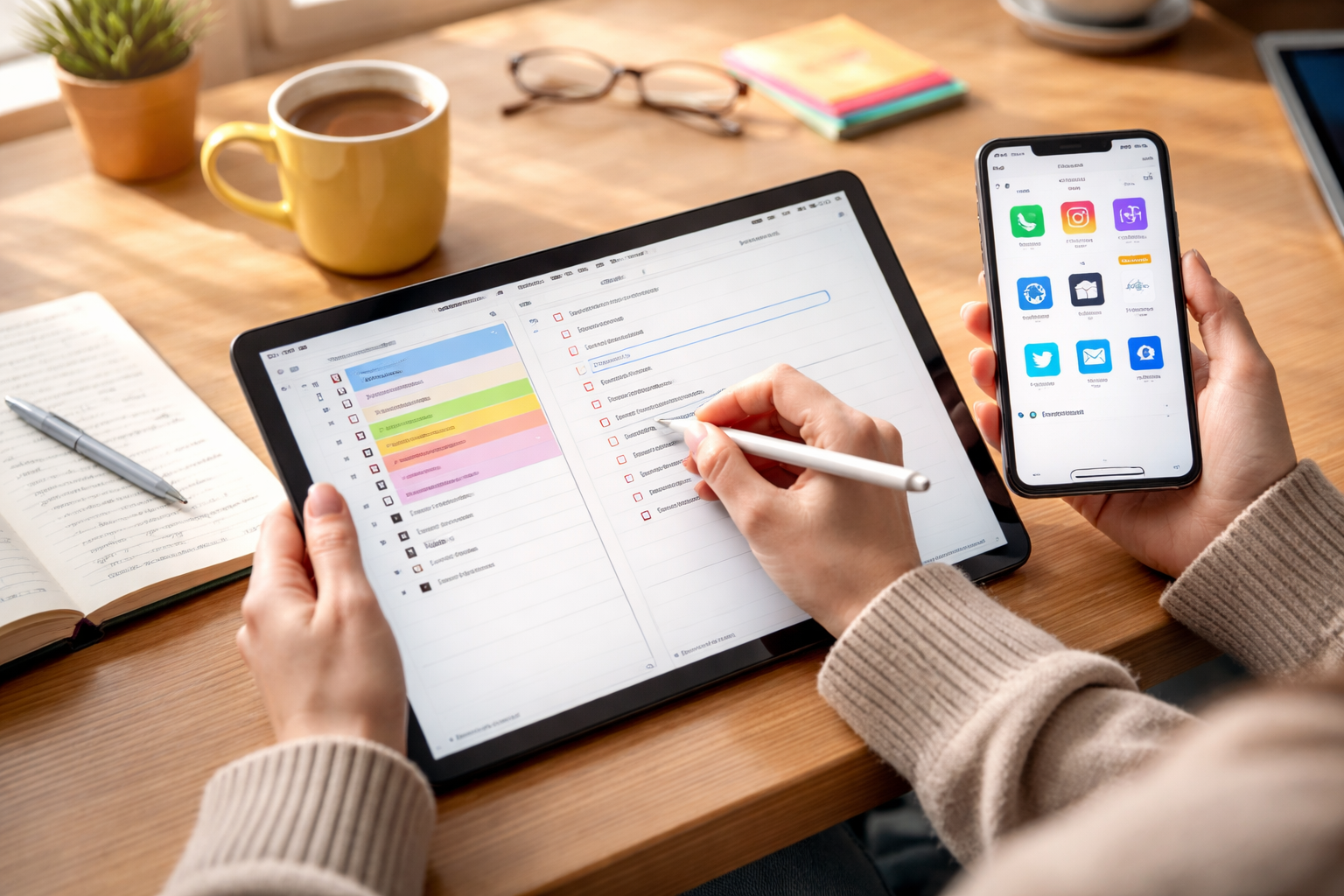
There was a time when my digital life felt scattered, with ideas in one place, meeting notes in another, and reminders floating around like loose paper scraps. I’d try sticky notes, voice memos, even random scraps in email drafts, but nothing stuck. What finally changed everything was discovering note-taking apps that didn’t overwhelm with features but also didn’t leave me wanting for power and depth.
Once I found tools that struck that balance clean, distraction-free interfaces married to advanced capabilities like bi-directional linking, rich media organization, and intuitive syncing, I could actually trust my notes again. Whether it was planning a project, capturing a thought mid-idea, or organizing a research workflow, the right app made all the difference.
Why Simple Yet Powerful Note Taking Tools Matter

In a world full of productivity tools, it’s easy to get lost in complexity. Many apps offer hundreds of features, but create clutter in the process. What makes an app truly great is how unobtrusive it feels when you’re creating content, yet how deep it goes when you need more power, like search across all your data, database organization, or AI-assisted summarization.
This combination lets you:
- Capture ideas quickly without cognitive friction
- Organize and retrieve information with minimal thinking
- Seamlessly bridge short-term lists and long-term knowledge
- Extend basic notes into workflows and projects
With that in mind, here’s a curated list of the best note-taking apps that feel simple but punch above their weight when the work gets serious.
Apps That Feel Simple but Pack a Punch

Apple Notes
On the surface, Apple Notes feels like a straightforward text editor, and that’s exactly why it works. There’s no learning curve, and if you’re already embedded in an ecosystem of devices, it just works. Behind that simplicity, though, lies a robust feature set: OCR (optical character recognition) that finds text inside images, native document scanning, easy checklist tools, and smooth syncing across devices. For many everyday users, this is the go-to app when the goal is quick capture with plenty of options to scale up later.
Obsidian
Obsidian takes a plain folder of Markdown files and turns it into a personal knowledge web. The real magic is bi-directional linking and the interactive Graph View, which lets you see how concepts connect across your entire note set. It’s deceptively simple at first, but for thinkers, researchers, and long-form writers, this balance of minimal UI with deep functionality is hard to beat. Plugins further expand its capabilities into task management, calendars, and even databases.
Bear
Minimalists love Bear because it feels like writing in a notebook without the distractions of menus and blocks everywhere. It’s built around a flexible hashtag system that makes organizing notes intuitive. Markdown support, beautiful typography, and fast sync across devices give Bear the best of both worlds: simple creation and structural power for bigger workflows.
Microsoft OneNote

If you like the feel of a physical binder with tabs and pages, OneNote will seem instantly familiar. Its freeform canvas lets you type, draw, insert images, and annotate anywhere you like. For tablet users, especially, its handwriting and stylus support transform it into a creative playground. Despite the apparent simplicity, the deep integration with cloud storage, collaboration features, and multimedia support makes it a surprisingly robust choice.
Google Keep
Google Keep treats notes like sticky notes on your screen. You jot something down, tag it with a color, and move on. But underneath, Keep is capable: audio notes instantly transcribed to text, location-based reminders that trigger when you arrive somewhere, and automatic syncing with your broader productivity ecosystem. It’s not a full knowledge manager, but it’s ideal for quick captures and checklists that don’t need a lot of structure.
Simplenote
For those who want pure minimalism, Simplenote strips everything down to the basics without sacrificing performance. It’s free, extremely fast, and supports Markdown and version history so you can track changes. There’s no clutter, no unnecessary bells, just your text and your thoughts, perfect for writers and note takers who like to keep things clean.
Beyond the Basics: Specialized Picks
Some users prioritize privacy above all else, and tools like Standard Notes offer end-to-end encryption so you retain complete control over your data. On the other end of the spectrum, teams or multi-function power users often lean into all-in-one workspaces such as Notion that blend notes with databases, calendars, and project boards.
The trick is choosing the solution that matches your workflow preferences, not just what looks impressive on a feature list.
How to Choose the Best Note-Taking App for You

Instead of treating every tool like a one-size-fits-all, think about how you actually use notes:
- Do you need capture speed above everything else?
- Is long-term retrieval and organization a priority?
- Do you use multimedia such as images or voice recordings regularly?
- Are you working collaboratively or just for personal use?
Asking these questions first will narrow the field and help you choose a tool that doesn’t feel like work in itself.
Frequently Asked Questions (FAQs)
1. What features should I look for in the best note-taking apps?
Look for quick capture, reliable syncing across devices, a search function that scales with your content, and organizational tools like tags or folders. Advanced features like bi-directional linking and database views can be helpful once your note collection grows.
2. Are free note-taking apps good enough for most users?
For everyday note capture and basic organization, free apps like Google Keep or Simplenote are usually plenty. Advanced workflows or large data sets might benefit from paid tools with deeper feature sets and automation.
3. Can a simple note-taking app replace a task manager?
Some apps begin to blur that line with checklists, reminders, and even calendars, but typically, a dedicated task management tool will offer more nuanced control for complex project workflows.
4. Is handwriting support important in modern note-taking apps?
If you use tablets or styluses often, handwriting support can make a big difference in how naturally you interact with your notes. Apps with robust support let you sketch, annotate, and write fluidly.
Final Thoughts
Simple should never mean shallow. The best note-taking apps prove that clean design and powerful features can coexist beautifully. Whether you’re jotting down a quick idea, organizing research, or building out a personal knowledge base, the goal isn’t complexity for complexity’s sake; it’s clarity and capability that actually get work done.
Finding your ideal app is less about the number of features on a list and more about how naturally it fits into how you think and work.